What a grader looks for
A practical look at the card features a grader inspects and how to prepare a submission without guessing.
Published 2026-10-30
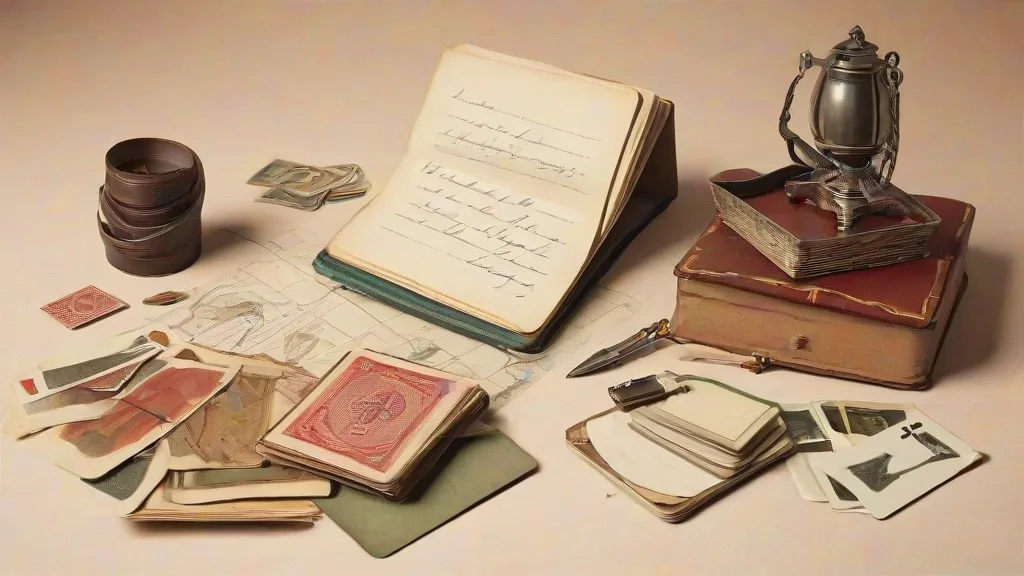
A grader is not looking for a story about the card. The inspection is about condition: how the card was made, how it has aged, and how it has been handled. You can do the same inspection at home with a clean work surface, good light, and a loupe.
The goal is not to talk yourself into a better grade. The goal is to find defects before the grader does and to decide whether submitting the card makes sense for your collection.
Inspect the four basics
Start with centering, corners, edges, and surface. Check the front and the back. Centering is about how the image sits inside the border. Corners should be checked for sharpness, lifts, and tiny dings. Edges should be checked for chips, roughness, and whitening. Surface should be checked for scratches, print lines, dents, and residue.
Use bright, diffuse light and tilt the card at an angle. A loupe helps on surface and edges. Handle the card by its edges. Do not clean it with harsh chemicals. A dry microfiber cloth is safer than a liquid if you must remove loose dust.
Work in a fixed order
Inspect the raw card before it goes into a sleeve or holder. Use a clean mat and keep a written note for each defect. Photograph the card under the same light so you can compare it later.
If you use a centering tool, record the border measurements for both axes and keep the raw values with your notes. The math matters only when the inputs are consistent. Do not rely on eyeballing alone, and do not round values in a way that hides a problem.
Separate defects from wear
A factory print defect is not the same as handling wear. Note both, but describe them plainly. Do not try to press out a dent, trim an edge, or hide a scratch. Those actions can create new damage and are easy to spot.
A grader will see the card under controlled light. Your notes should match what is actually there, not what you hope is there.
Prepare the submission
Use a rigid holder that fits the card and protects the corners. Keep a simple list of the cards in the order you send them. Follow the grading company’s current instructions for packing and labeling. Before sealing the package, recheck each card against your notes and photos. If a defect changes your mind, remove the card before shipping.
Does a grader grade the card or the holder?
The grade applies to the card’s condition. The holder protects the card after grading, but it does not repair centering, corners, edges, or surface defects.
Can cleaning improve a grade?
Cleaning can add residue or scratches. Use only dry, gentle removal of loose dust, and do not use liquids or abrasives on the card.
What should I record before submitting?
Record visible defects, centering-tool measurements, photos under consistent light, and a list of the cards in the order. Keep the notes with your submission records.